


q-scholar
tyrealq/q-skills · skills.sh
Open source Repository Open in the app JSON README (API)
About
Skill publicada por tyrealq/q-skills no skills.sh. Instale com: npx skills add tyrealq/q-skills@q-scholar
Details
- Kind
- Agent skills
- Topic
- Government & public data
- Publisher
- tyrealq
- Origin
- skillssh
- Category
- ferramentas
- Stars
- 108
- Forks
- 1
- Last push
- 2026-09-23T19:44:36Z
- Repository state
- ativo
- Language
- Python
- License
- MIT
- Added
- 2026-10-07 06:31:25
- Updated
- 2026-10-07 06:31:25
- Origin id
tyrealq/q-skills/q-scholar
README
# q-skills
End-to-end skills for academic writing, data analysis, teaching, and research communication.
## Prerequisites
- [Claude Code](https://claude.ai/code) or compatible AI coding assistant
- Python 3.8+ (for script-based skills)
- pandas, openpyxl (for data processing skills)
- [Node.js](https://nodejs.org/) (for `npx`-based installation)
## Installation
Choose **one** of the methods below.
| Method | Best for |
| ------ | -------- |
| [Ask the Agent](#option-1-ask-the-agent-beginner-friendly) | **No coding experience needed** — just talk to Claude |
| [Quick Install](#option-2-quick-install) | Command-line users — installs all skills at once |
| [Plugin Marketplace](#option-3-plugin-marketplace) | Register once, then install all or specific skills |
| [Manual](#option-4-manual-clone-and-copy) | Offline or restricted environments |
---
### Option 1: Ask the Agent (Beginner-Friendly)
> **No coding experience required.** If you are new to Claude Code or not comfortable with the command line, this is the easiest way to get started. Just open Claude Code and type:
```
Please install skills from github.com/TyrealQ/q-skills
```
Claude will handle the installation for you — no terminal, no commands.
---
### Option 2: Quick Install
Requires [Node.js](https://nodejs.org/) for `npx`:
```bash
npx skills add TyrealQ/q-skills
```
---
### Option 3: Plugin Marketplace
Register q-skills as a plugin source in Claude Code, then install all or selected skills.
**Step 1 — Register** (run once inside Claude Code):
```
/plugin marketplace add TyrealQ/q-skills
```
**Step 2 — Install:**
```
/plugin install q-skills@q-skills
```
> **Migrating from older installs?** If you previously installed `academic-skills@q-skills`, `visual-content-skills@q-skills`, or `utility-skills@q-skills`, uninstall them first, then install the unified `q-skills@q-skills` plugin above.
---
### Option 4: Manual (Clone and Copy)
```bash
git clone https://github.com/TyrealQ/q-skills.git
```
**Windows (PowerShell):**
```powershell
Copy-Item -Recurse -Force q-skills\skills\* $env:USERPROFILE\.claude\skills\
```
**macOS/Linux:**
```bash
cp -r q-skills/skills/* ~/.claude/skills/
```
> **Note:** The exact skills path depends on your AI assistant. Common locations: `~/.claude/skills/`, `~/.gemini/skills/`
## Update Skills
### Via Plugin UI (Recommended)
1. Run `/plugin` in Claude Code
2. Switch to the **Marketplaces** tab (arrow keys or Tab)
3. Select **q-skills**
4. Choose **Update marketplace**
You can also enable **auto-update** to receive the latest versions automatically.
### Force Reinstall
```bash
npx skills add TyrealQ/q-skills --force
```
### Manual Update
```bash
cd q-skills
git pull
```
Then re-copy the skills to your skills directory (see Manual install above).
---
## Available Skills
### Academic Skills
| Skill | Description |
| ----------------------------- | --------------------------------------------------------------------------- |
| [q-scholar](#q-scholar) | Academic manuscript writing suite (exploratory data analysis, intro, literature review, methods, multimodal feature extraction, results, topic modeling) |
| [q-educator](#q-educator) | Course content development for lectures, demos, assignments, and feedback |
### Visual Content Skills
| Skill | Description |
| ----------------------------------- | -------------------------------------------------------- |
| [q-infographics](#q-infographics) | Convert documents into business stories and infographics |
| [q-presentations](#q-presentations) | Convert content into branded slide decks with style presets |
### Utility Skills
| Skill | Description |
| ----------------------- | ------------------------------------------------------------------------ |
| [commit](#commit) | Stage and commit with smart file grouping and conventional commits |
| [handoff](#handoff) | Wrap up a session into plan files, memory, and CLAUDE.md for clean resume |
| [learn](#learn) | Persist user preferences and styles across sessions |
| [organize](#organize) | Audit structure and documentation, align to conventions |
| [ship](#ship) | Full ship cycle: update docs, commit, and push to remote |
---
## Skill Details
### q-scholar
Academic manuscript writing suite for drafting journal-ready prose following APA 7th edition standards. Orchestrates specialized sub-skills for complete manuscript preparation workflows.
**Sub-Skills:**
| Sub-Skill | Description |
| --------- | ----------- |
| q-eda | Universal exploratory data analysis with user-confirmed column types and measurement-appropriate statistics |
| q-intro | Introduction drafting and refinement with argumentative architecture guidance |
| q-litreview | Literature review drafting with progressive-argument architecture and cross-section coordination |
| q-methods | Methods section drafting in clear, narrative style |
| q-multimodal | Multimodal feature extraction: pixel/video/audio features and Gemini visual semantic analysis |
| q-results | Results section drafting with APA-compliant tables |
| q-tf | Topic finetuning to consolidate topic modeling outputs (BERTopic, LDA, NMF) into theory-driven classification frameworks |
**Triggers:**
- "Help me write the methods and results for my study"
- "Draft a results section for this analysis"
- "Analyze this dataset and generate descriptive statistics"
**Features:**
- End-to-end manuscript support (exploratory data analysis -> methods -> results)
- APA 7th edition formatting (tables, statistics, notation)
- Narrative prose style (no bullet points or em-dashes)
- Shared style guides and templates
- Appendix strategies for technical details
**Folder Structure:**
```text
q-scholar/
|-- SKILL.md # Orchestration skill
|-- references/ # Shared style guides
| |-- apa_style_guide.md # Numbers, statistics, notation, formulas
| |-- table_formatting.md # APA 7th table examples
| `-- appendix_template.md # Shared appendix structure (methods + results)
|-- q-eda/
| |-- SKILL.md # Data exploration skill
| |-- scripts/ # run_eda.py
| `-- references/ # Interview protocol, invocation guide, summary template + instructions
|-- q-intro/
| |-- SKILL.md # Introduction drafting skill
| `-- references/ # Template and interview questions
|-- q-litreview/
| |-- SKILL.md # Literature review drafting skill
| `-- references/ # Template and interview questions
|-- q-methods/
| |-- SKILL.md # Methods drafting skill
| `-- references/ # Methods template
|-- q-multimodal/
| |-- SKILL.md # Multimodal feature extraction skill
| |-- scripts/ # pillow/, opensmile/, librosa/, gemini/ (batch + standard)
| `-- references/ # Feature definitions, Gemini workflows, checkpoint format
|-- q-results/
| |-- SKILL.md # Results drafting skill
| `-- references/ # Results template
`-- q-tf/
|-- SKILL.md # Topic finetuning skill
|-- scripts/ # classify_outliers.py, plan & Excel updaters
`-- references/ # Code patterns, preservation rules, outlier workflow, worked example
```
**Example:**
```
Help me write the methods and results sections for my topic modeling study on esports discourse
```
---
### q-infographics
Convert documents into compelling business stories and cartoon-style infographics. Image generation defaults to OpenAI GPT Image 2 with a Gemini fallback; story generation uses Gemini.
**Triggers:**
- "Create an infographic from this document..."
- "Convert this paper to a visual summary..."
- "Generate a business story from..."
**Features:**
- Two-stage pipeline: Document -> Story -> Infographic
- Business story style (36Kr/Huxiu format) with "golden sentences"
- Hand-drawn cartoon-style infographics (16:9)
- Automatic logo branding on generated infographics
- Review checkpoints at each stage
- Supports PDF, DOCX, and text input (via markitdown)
**Requirements:**
- `pip install openai google-genai Pillow python-dotenv markitdown`
- `OPENAI_API_KEY` (for default `gpt-image-2` image generation) and `GEMINI_API_KEY` (for story generation; also for the Gemini image fallback). Select the image backend via `IMAGE_MODEL=gpt|gemini` or `--model gpt|gemini`. See [Environment Configuration](#environment-configuration).
**Folder Structure:**
```text
q-infographics/
|-- SKILL.md # Main skill file
|-- assets/
| `-- Logo_Q.png # Brand logo, auto-overlaid on infographics
|-- references/
| |-- story.txt # Story generation prompt
| |-- image.txt # Infographic generation prompt
| `-- prompts_reference.md # Prompt descriptions and key elements
|-- scripts/
| |-- gen_story.py # Story generator script
| `-- gen_image.py # Image generator script
# Sample outputs → see illustrations/q-infographics/ at repo root
```
**Example:**
```
Create an infographic from my research paper on gamification in esports
```
**Sample Outputs:**
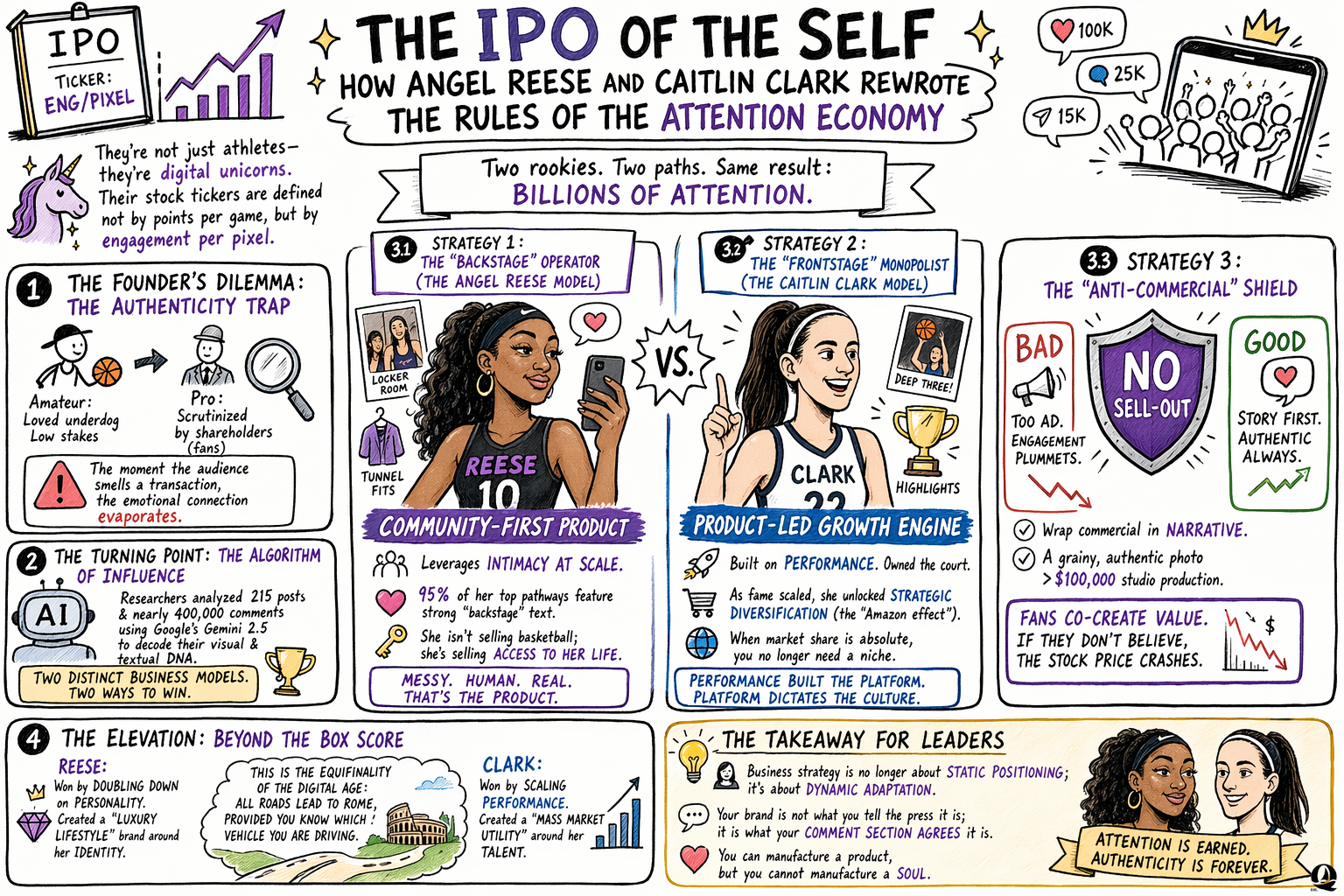
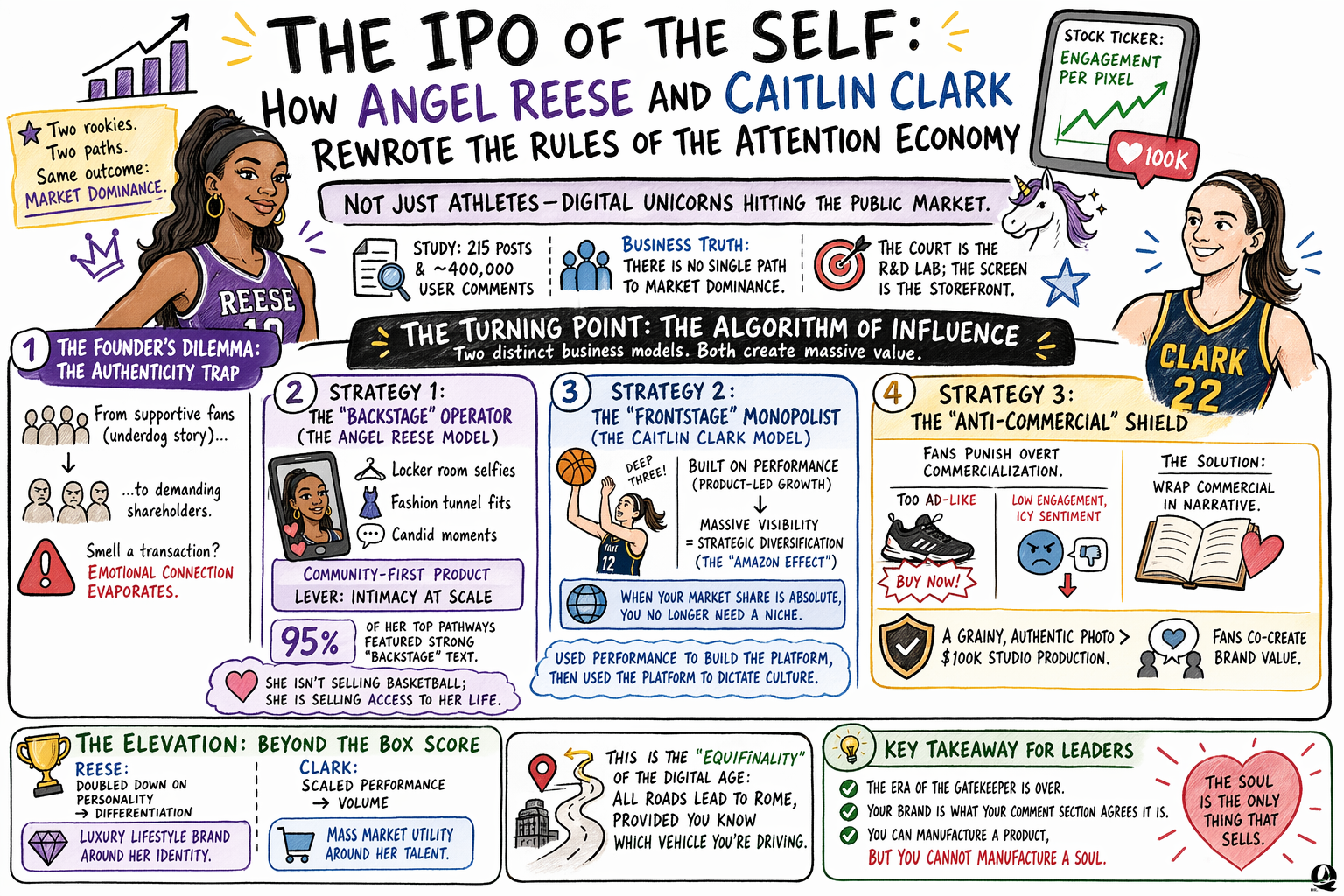
---
### q-presentations
Convert content into branded slide decks with 16 visual style presets, layout-driven overlay safety, and automatic logo branding. Fork of [baoyu-slide-deck](https://github.com/JimLiu/baoyu-skills) with video-overlay-aware layout.
**Triggers:**
- "Create a slide deck from this content..."
- "Make a presentation about..."
- "Generate slides for my talk..."
**Features:**
- 16 style presets (blueprint, chalkboard, corporate, minimal, sketch-notes, watercolor, etc.)
- Composable dimension system (texture + mood + typography + density)
- Video-overlay-aware layout: internal layout-driven overlay-safe selection
- Automatic Dr. Q logo branding with configurable placement and auto-invert for dark styles
- Image generation via OpenAI GPT Image 2 by default, with Gemini (`gemini-3-pro-image-preview`) available as a fallback
- PPTX and PDF export
- Partial workflows (outline-only, prompts-only, regenerate specific slides)
**Requirements:**
- `pip install openai google-genai Pillow python-dotenv`
- `OPENAI_API_KEY` (for default `gpt-image-2`) or `GEMINI_API_KEY` (when `IMAGE_MODEL=gemini` / `--model gemini`)
- Bun available for PPTX/PDF merge scripts (`npx -y bun ...`)
**Folder Structure:**
```text
q-presentations/
|-- SKILL.md # Main skill file
|-- assets/
| `-- Logo_Q.png # Brand logo, auto-overlaid on slides
|-- references/
| |-- base-prompt.md # Image generation base prompt
| |-- design-guidelines.md # Typography, colors, visual hierarchy
| |-- layouts.md # 28 layout types
| |-- outline-template.md # Outline structure template
| |-- config/preferences-schema.md # EXTEND.md user preferences
| |-- dimensions/ # Composable style dimensions (5 files)
| `-- styles/ # 22 style definitions
`-- scripts/
|-- gen_slide.py # Image generation (GPT Image 2 default; Gemini via --model gemini)
|-- overlay_logo.py # Logo overlay with auto-invert
|-- merge-to-pptx.ts # PPTX merge (Bun/TS)
`-- merge-to-pdf.ts # PDF merge (Bun/TS)
# Sample outputs → see illustrations/q-presentations/ at repo root
```
**Example:**
```
Create a chalkboard-style slide deck from my research paper on AI agents
```
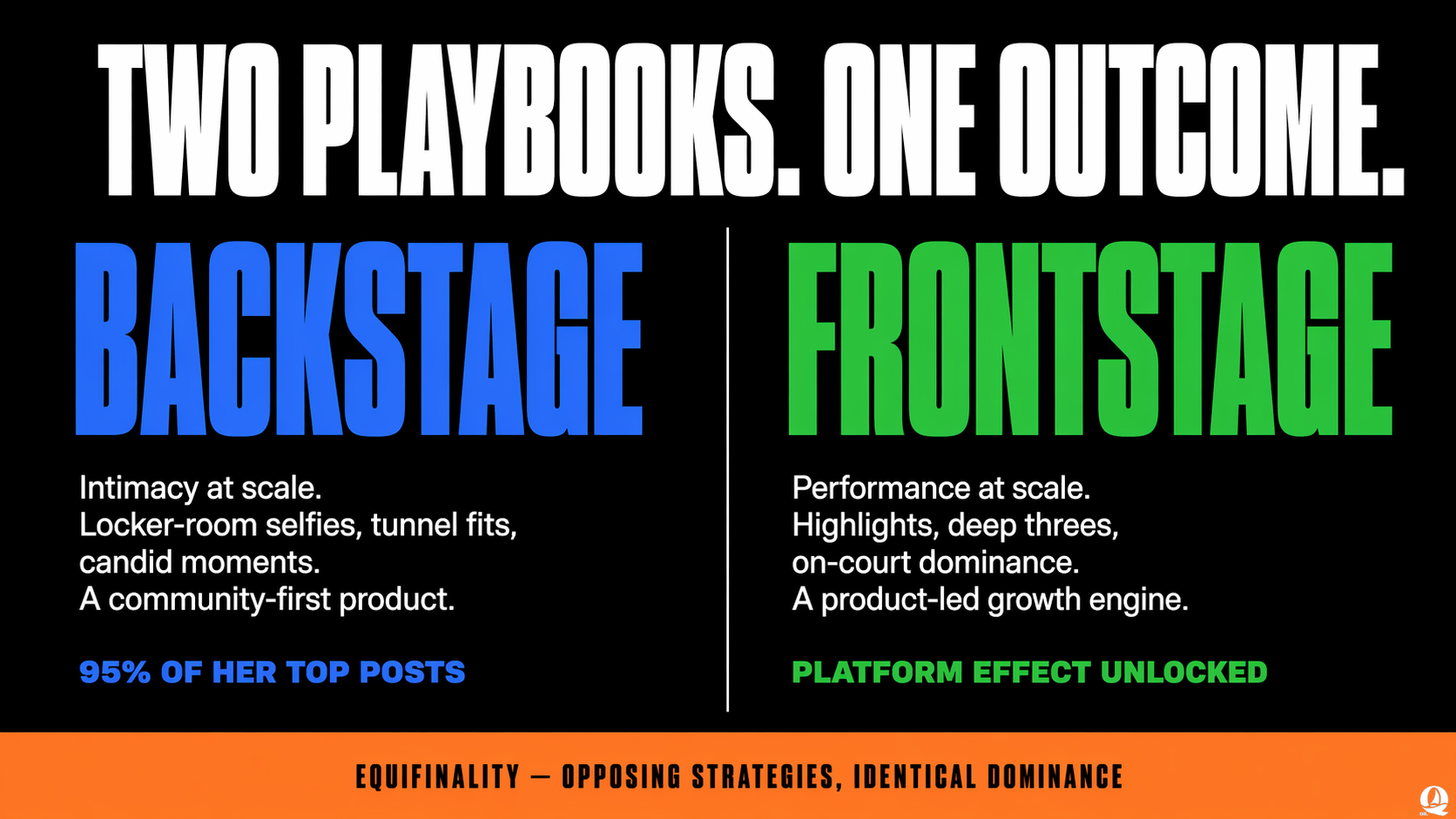
**Sample Outputs:**
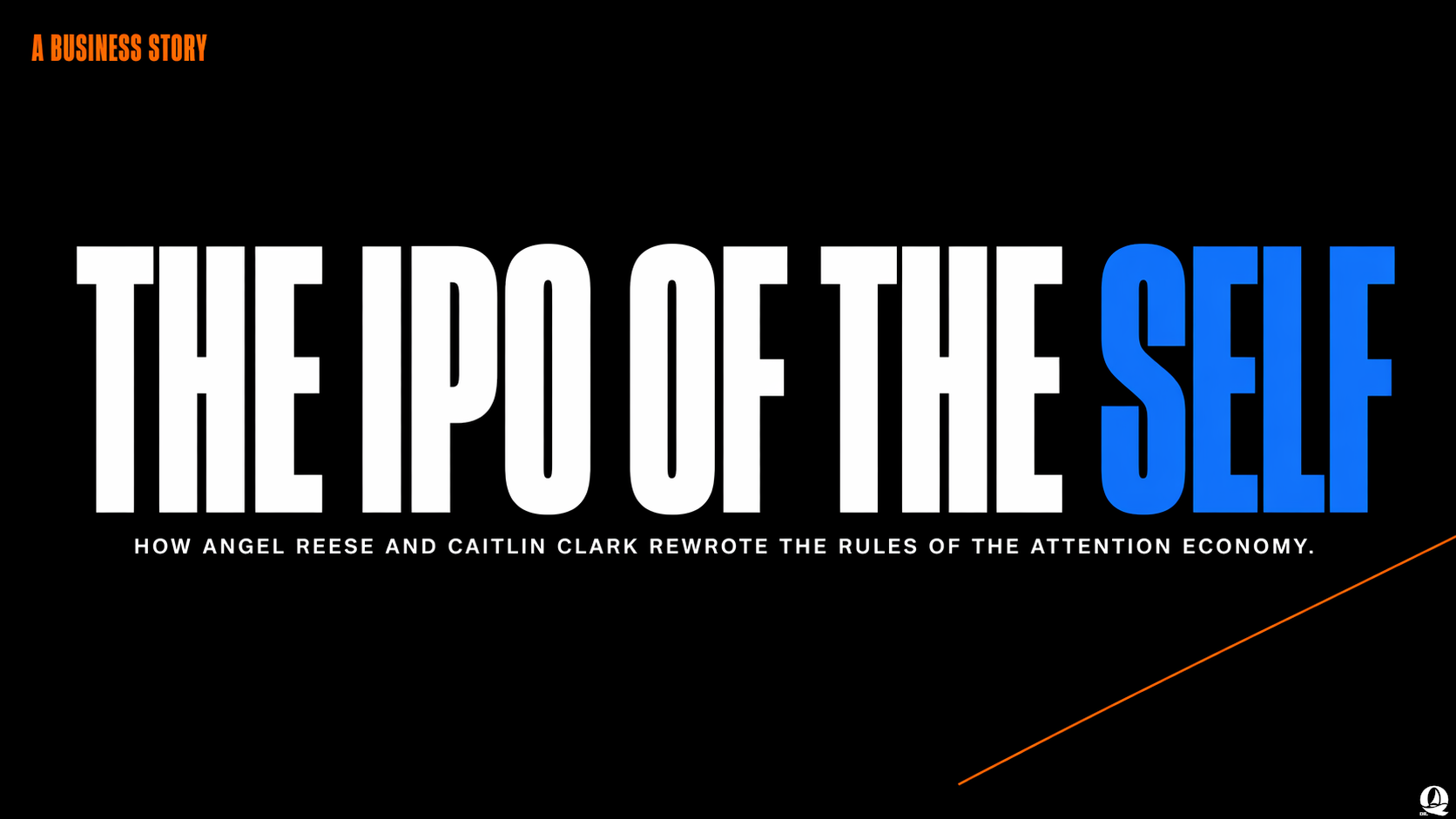
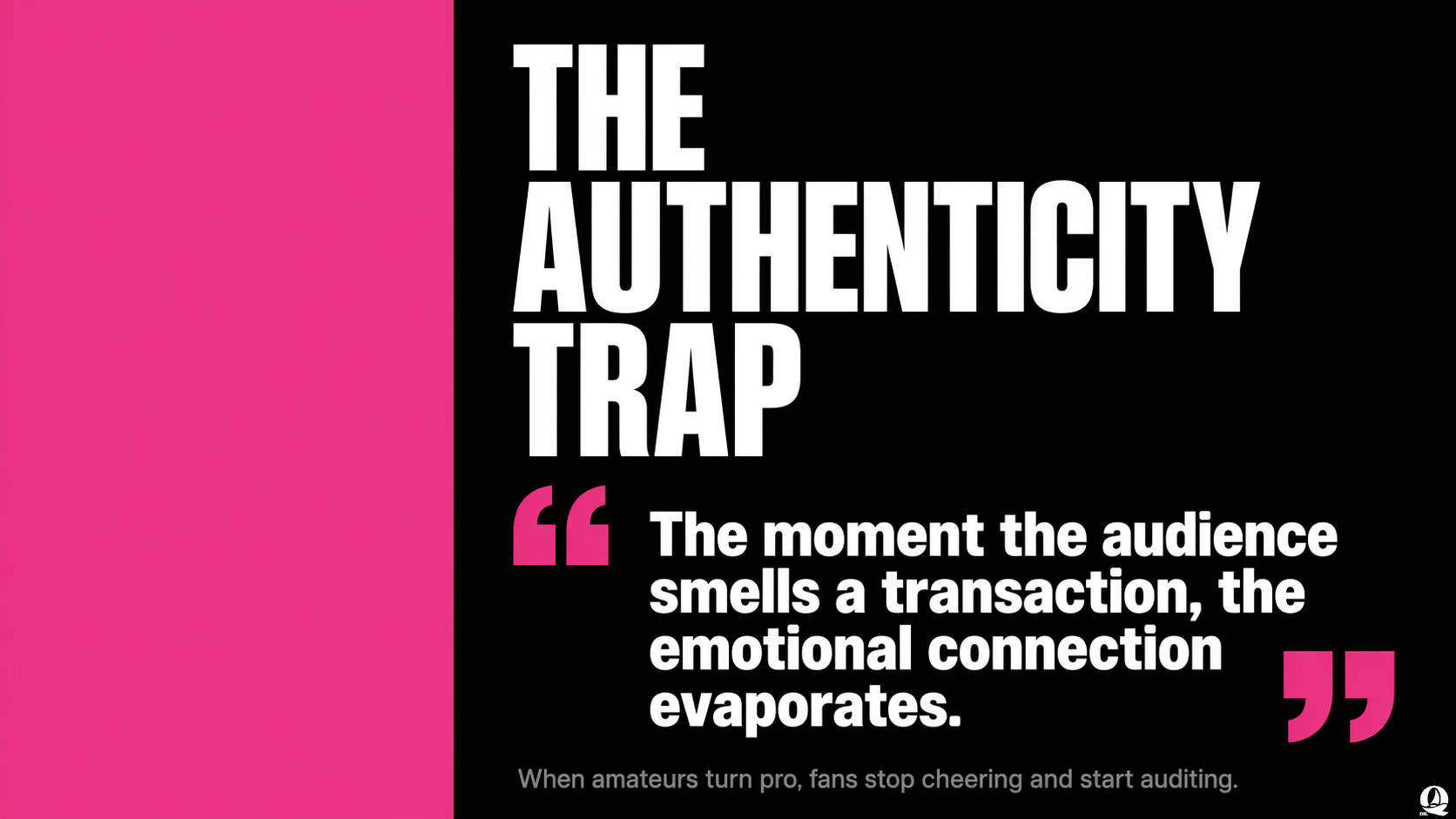
---
### q-educator
Course content development skill for university teaching workflows. Produces interview-driven lecture outlines, demo plans, follow-up emails, assignment prompts, and per-group feedback.
**Triggers:**
- "Help me design next week's lecture..."
- "Draft an assignment prompt for this module..."
- "Write feedback for each student group..."
**Features:**
- Interview-first planning workflow before drafting
- Projects-first teaching philosophy with domain-specific analogies
- Structured deliverables for lecture, demo, email, assignment, and feedback
- Iterative review checkpoints after each deliverable
- Reference examples for assignments, lectures, emails, demos, and feedback
**Folder Structure:**
```text
q-educator/
|-- SKILL.md
`-- references/
|-- teaching_philosophy.md # Six governing principles
|-- interview_protocol.md # Six-question interview sequence
|-- lecture_template.md # Lecture outline structure + design rules
|-- demo_template.md # Demo outline structure + design rules
|-- email_guidelines.md # Follow-up email style rules
|-- assignment_template.md # Assignment prompt structure + design rules
|-- feedback_template.md # Per-group feedback structure + design rules
|-- key_phrases.md # Philosophy catchphrases
|-- lecture_example.md # Example lecture outline
|-- demo_example.md # Example demo outline
|-- email_example.md # Example follow-up email
|-- assignment_example.md # Example assignment prompt
`-- feedback_example.md # Example per-group feedback
```
**Example:**
```
Help me build a week 6 lecture + demo + assignment plan for a graduate analytics course
```
---
### commit
Stage and commit all uncommitted changes with smart file grouping and conventional commit messages. Analyzes changed files, groups by topic (content, skills, code, config), and generates descriptive commit messages.
**Triggers:**
- `/commit`
- "Commit my changes"
**Features:**
- Automatic file classification by path pattern
- Smart grouping: one commit per topic when changes span multiple areas
- Conventional commit format (`feat:`, `fix:`, `docs:`, etc.)
- Explicit file staging (never `git add .`)
- Auto-cleanup of editor/build temp files after each commit
---
### handoff
Capture the load-bearing outcomes of a session, route them to the right durable location (plan file, auto-memory, project CLAUDE.md, user CLAUDE.md), and produce a copy-pasteable resume prompt for a fresh session. Use before `/compact` or at the end of a working session.
**Triggers:**
- `/handoff`
- "Hand off this session" / "Wrap up"
- "Update docs for next session"
- Before running `/compact`
**Features:**
- Four-step workflow: survey the session → locate destinations → apply updates → produce resume prompt
- Destination routing table that places each outcome (decisions, conventions, lessons, banned terms) in its single durable home, never duplicated
- Self-contained resume prompt under ~250 words with required sections (Context, Read first, Where we left off, Conventions to honor, Next task, Known gotchas)
- Anti-patterns guardrail: no session logs in project files, no new doc locations without asking, no extracting unvalidated lessons
---
### learn
Persist user preferences, styles, and behavioral patterns to `~/CLAUDE.md`, `~/.claude/rules/`, or project memory. Extracts corrections, explicit rules, and positive reinforcement from the current conversation, and answers read-only queries about what has already been remembered.
**Triggers:**
- `/learn`
- "Remember this preference" / "Save this to CLAUDE.md" / "Update CM"
- "Always do X" / "Never do Y" / "From now on…"
- "Forget X" / "What do you remember about me?"
**Features:**
- Three-tier persistence: user instructions, user rules, project memory
- Inline trigger taxonomy (explicit rules, corrections, positive reinforcement, domain context, style edits)
- Repetition threshold: single off-hand corrections stay tentative until repeated
- Conflict detection: contradicting preferences surface side-by-side for explicit approval
- Query mode: read-only lookup, section-level quoting, and confirmed forgetting
- Anti-patterns guardrail: never infers from silence, hypotheticals, or third-party preferences
- Keeps `~/CLAUDE.md` under 200 lines, migrating overflow to rule files
---
### organize
Audit a project's layout and its project documentation (READMEs, `CLAUDE.md`, `AGENTS.md`, indexes) against one set of conventions. Works on any project type (research, content, software, data). Writes a plan file, asks on ambiguous calls, applies approved groups, and hands off to `/commit` or `/ship`.
**Triggers:**
- `/organize`
- "Clean up this repo"
- "Standardize folder structure"
- "Fix stale docs"
- "Streamline the READMEs"
**Features:**
- Nine detectors: name drift, superseded generations, orphan files, tracked per-machine state, stale facts, history clauses, duplication, document structure, and prose
- Conventions reference: snake_case names with acronym capitals and owner files in capitals, dated `YYYY-MM-DD_slug` items, a root map with one README per folder, five document types, and documentation that states the current state only
- Superseded content split by tracking: tracked files are deleted and left to git history; untracked files move to `_archive/`
- Plan-first workflow with approval by group, where a rule written in the project's docs takes precedence over the conventions, and an `audit` argument that stops at the plan; project documentation only, never deliverable prose
- Sync-safe moves for cloud-synced paths; never commits directly
---
### ship
Full ship cycle: update documentation, stage, commit, and push to remote. Automatically updates CHANGELOG.md, CLAUDE.md, and READMEs affected by the current changes.
**Triggers:**
- `/ship`
- "Ship my changes"
**Features:**
- Auto-updates CHANGELOG.md, CLAUDE.md, and relevant READMEs
- Stale reference detection for deleted/renamed files
- Smart commit grouping (same as commit skill)
- Pushes to remote with upstream tracking
- Auto-cleanup of editor/build temp files after push
---
## Environment Configuration
Some skills need API keys:
- **OpenAI** (`OPENAI_API_KEY`) — default image generation backend (`gpt-image-2`) used by `q-presentations` and `q-infographics`.
- **Google Gemini** (`GEMINI_API_KEY`) — story generation in `q-infographics`, topic classification in `q-tf`, multimodal analysis in `q-multimodal`, and the image-generation fallback (`gemini-3-pro-image-preview`) when `IMAGE_MODEL=gemini` or `--model gemini`.
### Getting Your API Keys
- OpenAI: [platform.openai.com/api-keys](https://platform.openai.com/api-keys)
- Google Gemini: [Google AI Studio](https://aistudio.google.com/apikey)
### Setting the API Keys
Create a `.env` file in your project's working directory:
```
OPENAI_API_KEY=your-openai-key-here
GEMINI_API_KEY=your-gemini-key-here
```
> **Important:** Add `.env` to your `.gitignore` so you don't accidentally commit your key:
> ```bash
> echo ".env" >> .gitignore
> ```
All skills that use the Gemini API load this file automatically via `python-dotenv`. Alternatively, set the variable directly in your terminal:
**macOS / Linux:**
```bash
export GEMINI_API_KEY=your-api-key-here
```
**Windows (PowerShell):**
```powershell
$env:GEMINI_API_KEY = "your-api-key-here"
```
**Windows (Command Prompt):**
```cmd
set GEMINI_API_KEY=your-api-key-here
```
To make it permanent, add the export line to your shell profile (`~/.bashrc`, `~/.zshrc`) or set it as a system environment variable on Windows.
### Optional Variables
| Variable | Purpose | Default |
| -------- | ------- | ------- |
| `IMAGE_MODEL` | Image backend for q-presentations / q-infographics (`gpt` or `gemini`) | `gpt` |
| `GEMINI_MODEL` | Override the model used by q-tf | `gemini-3-flash-preview` |
---
## Acknowledgments
- Inspired by [baoyu-skills](https://github.com/JimLiu/baoyu-skills) by Jim Liu
- Built for use with Claude Code and compatible AI assistants
## License
MIT License - see [LICENSE](https://github.com/tyrealq/q-skills/blob/HEAD/LICENSE) for details.
## Contributing
Contributions welcome! Please submit issues or pull requests.