design-mobile-apps
Use when the user wants to design a mobile app or UI screens, when they mention their Sleek (sleek.design) projects, or when implementing Sl
Open source Repository Open in the app JSON README (API)
About
Use when the user wants to design a mobile app or UI screens, when they mention their Sleek (sleek.design) projects, or when implementing Sleek designs in code (HTML, React Native, SwiftUI).
Details
- Kind
- Agent skills
- Topic
- No topic detected
- Publisher
- designed-by-ai
- Origin
- skillssh
- Category
- ferramentas
- Stars
- 1
- Last push
- 2026-09-07T08:00:14Z
- Repository state
- ativo
- License
- MIT
- Added
- 2026-09-04 20:01:16
- Updated
- 2026-09-08 01:01:07
- Origin id
designed-by-ai/skills/design-mobile-apps
README
# Sleek Agent Skills [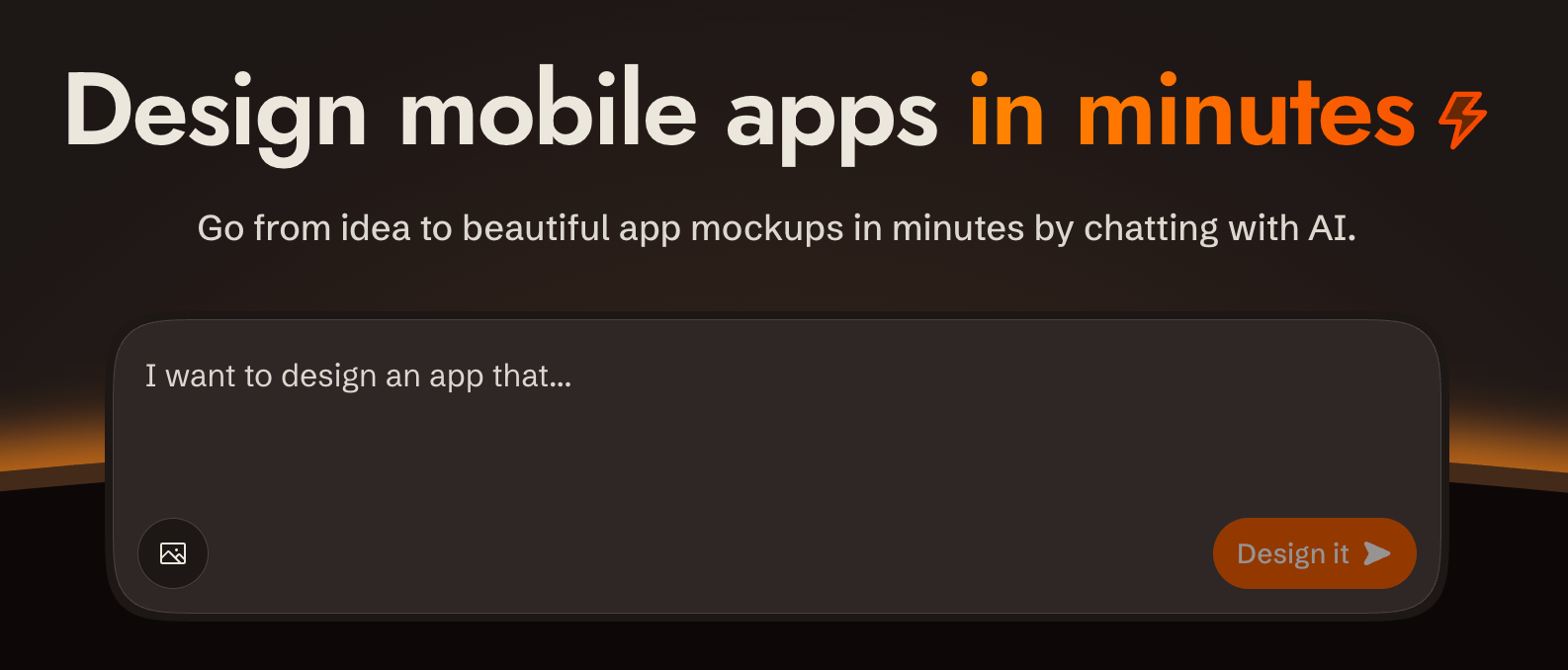](https://sleek.design) Agent skills for [Sleek](https://sleek.design), the AI-powered mobile app design tool. ## Skills | Skill | Description | | ----- | ----------- | | [design-mobile-apps](./skills/design-mobile-apps/) | Design mobile apps, create screens, and manage Sleek projects with AI | ## Installation Browse and install interactively: ```bash npx skills add sleekdotdesign/agent-skills ``` Install the skill directly: ```bash npx skills add sleekdotdesign/agent-skills -s sleek-design-mobile-apps ``` ## Requirements - A [Sleek](https://sleek.design) account. Free accounts can try the API with their one-time trial credits (about one design run); sustained use requires the Pro plan or higher ($49.99/month, or $30/month billed yearly; includes 20,000 monthly AI credits) - An API key, stored in the `SLEEK_API_KEY` environment variable. Create one at [sleek.design/agents/setup](https://sleek.design/agents/setup) (handles sign-in, upgrade, and key creation in one place) or manage keys at [sleek.design/dashboard/api-keys](https://sleek.design/dashboard/api-keys) Note: `npx skills add` installs the skill to `.agents/skills/` in your working directory. If your agent doesn't discover skills there, point it at the installed `SKILL.md` explicitly. ## License MIT