Catalog›Plugins›Files & documents›host-htmlHHhost-htmlPublish any HTML file as a live link instantly via host-html.com. Includes /host-html and /host-pdf. Open site Project Open in the app JSON README (API)Publish any HTML file as a live link instantly via host-html.com. Includes /host-html and /host-pdf.READMELoading documentation…# host-html [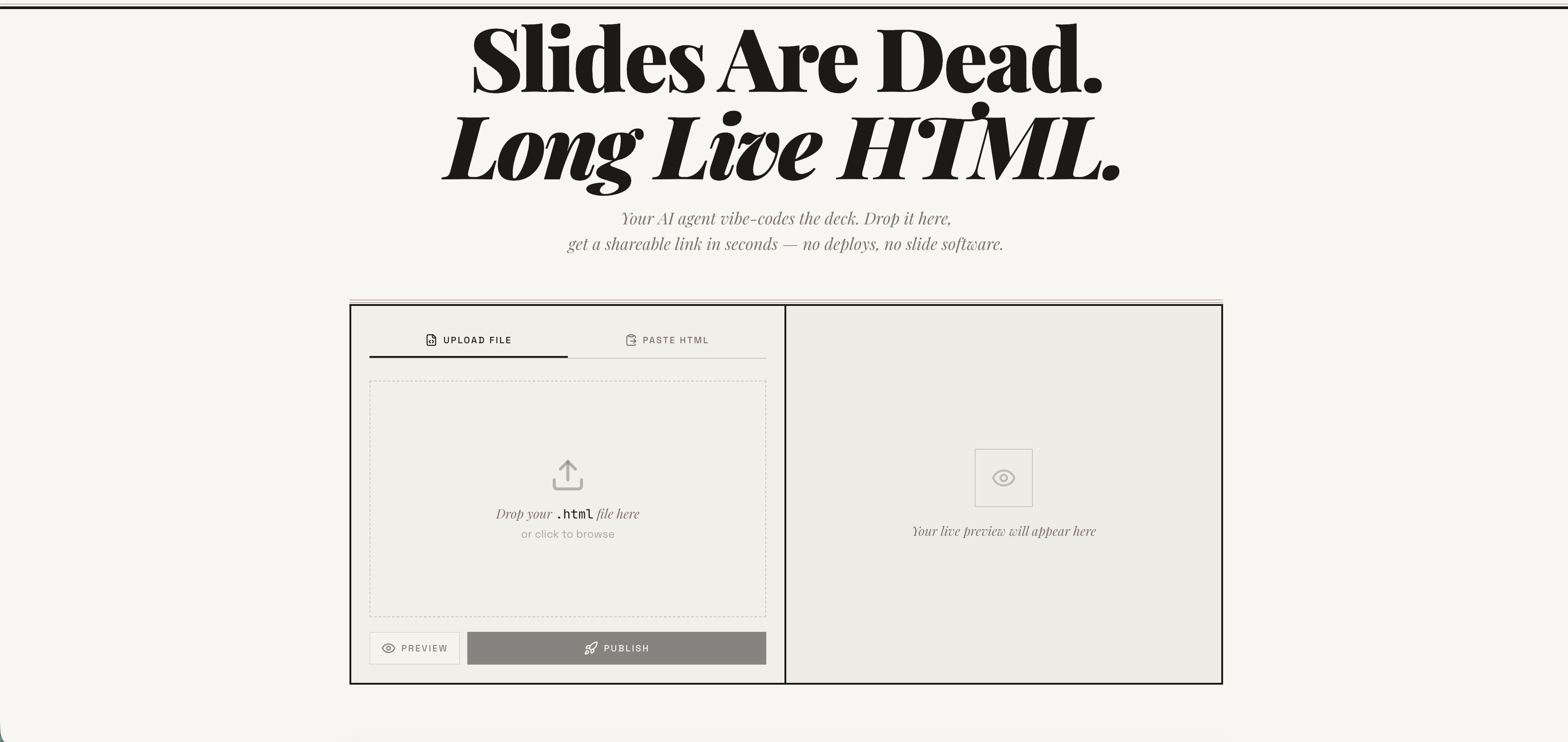](https://host-html.com) > **Publish any HTML file as a live link — instantly.** > Free account required. No deploy pipeline, no server to manage. > → **[host-html.com](https://host-html.com)** > **Heads up — breaking change in v2.0.0:** Anonymous publishing has been > retired. Publishing now requires a free, email-verified host-html account > and a personal API key set as `HOSTHTML_API_KEY`. See > [Setup: get an API key](#setup-get-an-api-key). Older releases that relied > on the built-in shared key will stop publishing. --- ## Install ### Claude Code ``` /plugin marketplace add phanosh/host-html /plugin install host-html@host-html ``` > The official Claude Code marketplace listing is in the works — until it lands, install directly from this repo with the two commands above. ### Other AI Agents (Skills) ```bash npx skills add phanosh/host-html -g -y ``` Then use the skills: ``` /host-html # publish HTML as a live link /host-pdf # export HTML slides to PDF ``` `/host-html` finds the HTML, publishes it, and hands you a live URL in seconds. `/host-pdf` captures each slide at retina quality and assembles a PDF. Works with **Claude Code**, Cursor, Codex, Copilot, and [40+ more agents](https://host-html.com). --- ## Setup: get an API key Publishing now requires a free host-html account: 1. Sign in (free) at [host-html.com](https://host-html.com) 2. Confirm your email 3. Go to **Account → API keys → Create key** 4. Copy the generated key (starts with `hh_…` — shown once) 5. Set it as an environment variable: ```bash export HOSTHTML_API_KEY=hh_your_key_here ``` The skill reads `HOSTHTML_API_KEY` automatically. Custom slugs (see the Direct API table below) still require a Pro/Team plan; publishing itself does not. --- ## Update When a new version is released here, pull it into your local Claude Code with: ``` /plugin marketplace update phanosh/host-html ``` That single command refreshes the marketplace catalog and installs any version bumps in `marketplace.json`, `plugin.json`, or the skill frontmatter. To check what you're on: ``` /plugin ``` To stay current automatically, open `/plugin`, go to the **Marketplaces** tab, select `phanosh/host-html`, and toggle **auto-update** on — Claude Code will then pull updates on startup. For the standalone skills install (`npx skills add ...`), re-run the same command to upgrade: ```bash npx skills add phanosh/host-html -g -y ``` --- ## Direct API The publish edge function requires a personal host-html API key (format `hh_…`) as the bearer token — see [Setup](#setup-get-an-api-key) to generate one. Pass it via the `Authorization` header (no `apikey` header is needed): ```bash curl -X POST https://suifgsvtcbrawzdhyuhk.supabase.co/functions/v1/publish \ -H "Authorization: Bearer $HOSTHTML_API_KEY" \ -H "Content-Type: application/json" \ -d '{"html": "<h1>Hello</h1>", "title": "my page"}' ``` **Request** | Field | Type | Required | Description | |---------|--------|----------|----------------------------------------------| | `html` | string | ✓ | HTML content (max 1MB) | | `title` | string | | Page title | | `slug` | string | | Custom URL path matching `^[a-z0-9-]{2,64}$` | **Response `201`** ```json { "url": "https://host-html.com/p/abc123", "slug": "abc123", "edit_token": "...", "page_id": "...", "expires_at": "2026-03-16T..." } ``` `expires_at` is `string | null`. On a free plan it is the ISO timestamp when the page goes dark; on a paid plan the page never expires and the field is `null`. It is the authoritative expiry — read it from the response rather than assuming a fixed duration, and handle the null rather than formatting it as a date. --- ## License MIT DetailsTypePluginsTopicFiles & documentsPublisherphanoshSourcemarketplaceCategoryToolsStars1Proposed changes1Last update2026-10-02T14:37:49ZProject statusActiveLanguageJavaScriptLicenseMITAdded2026-08-30 01:48:58Updated2026-08-30 01:48:58Source idphanosh/host-html/host-htmlMoreMore plugins on Files & documentsAll from phanoshA–Z index


