viznoir
Cinema-quality science visualization for AI agents — headless VTK via MCP.
Open source Open in the app JSON README (API)
About
Cinema-quality science visualization for AI agents — headless VTK via MCP.
Details
- Kind
- MCP servers
- Topic
- No topic detected
- Publisher
- kimimgo
- Origin
- official
- Category
- ferramentas
- Transport
- local
- Version
- 0.10.1
- Stars
- 17
- Forks
- 4
- Open pull requests
- 12
- Last push
- 2026-09-07T08:07:23Z
- Repository state
- ativo
- Language
- Python
- License
- MIT
- Added
- 2026-08-29 04:00:20
- Updated
- 2026-08-29 04:00:20
- Origin id
io.github.kimimgo/viznoir
README
# viznoir
> VTK is all you need. Cinema-quality science visualization for AI agents.
<!-- mcp-name: io.github.kimimgo/viznoir -->
[](https://github.com/kimimgo/viznoir/actions/workflows/ci.yml)
[](https://pypi.org/project/viznoir/)
[](https://pypi.org/project/viznoir/)
[](https://github.com/kimimgo/viznoir/blob/main/LICENSE)
[](https://github.com/tkoyama010/awesome-vtk)
<br>
<div align="center">
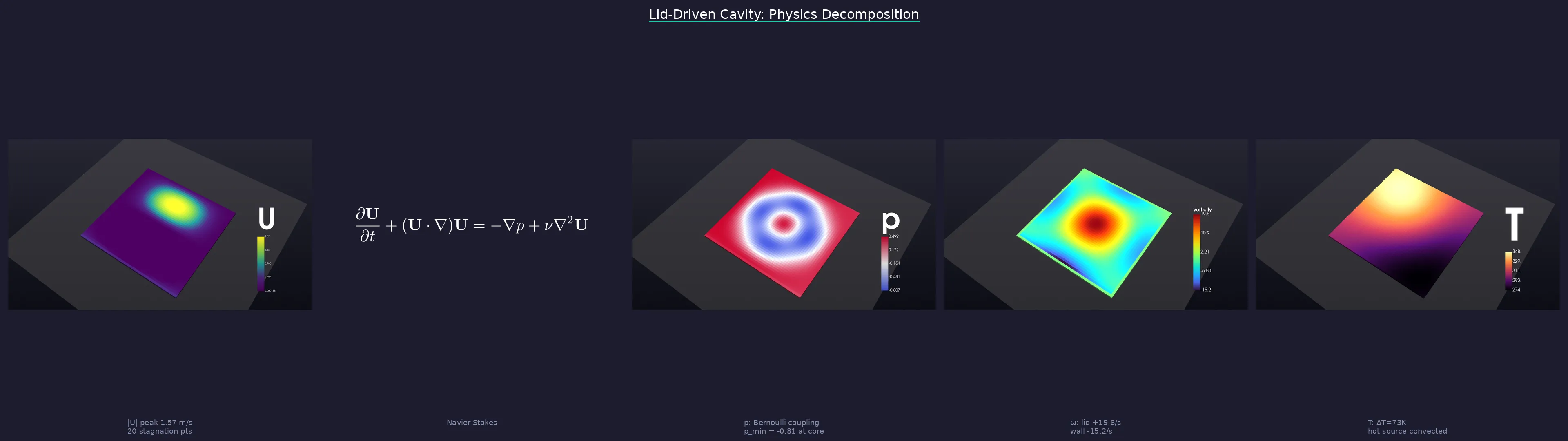
*One prompt → physics analysis → cinematic renders → LaTeX equations → publication-ready story.*
</div>
<br>
## What it does
An MCP server that gives AI agents full access to VTK's rendering pipeline — no ParaView GUI, no Jupyter notebooks, no display server. Your agent reads simulation data, applies filters, renders cinema-quality images, and exports animations, all headless.
**Works with:** Claude Code · Cursor · Windsurf · Gemini CLI · any MCP client
## Quick Start
### 1. Install
```bash
pip install viznoir
# With optional extras
pip install "viznoir[mesh]" # meshio + trimesh (50+ formats)
pip install "viznoir[composite]" # Pillow + matplotlib (split_animate)
pip install "viznoir[all]" # everything
```
Requires Python ≥3.10. VTK wheel auto-installed (EGL headless rendering supported).
### 2. Verify
```bash
mcp-server-viznoir --help # server entry point
python -c "import viznoir; print(viznoir.__version__)"
```
### 3. Use with an MCP client
Add to your MCP client config (`claude_desktop_config.json`, `~/.cursor/mcp.json`, etc.):
```json
{
"mcpServers": {
"viznoir": {
"command": "mcp-server-viznoir",
"env": {
"VIZNOIR_DATA_DIR": "/path/to/your/simulation/data",
"VIZNOIR_OUTPUT_DIR": "/path/to/output"
}
}
}
}
```
Then ask your AI agent:
> *"Open cavity.foam, render the pressure field with cinematic lighting, then create a physics decomposition story."*
### 4. Or use as a Python library (advanced)
All tool implementations are importable as `async` functions. You provide a `VTKRunner` and `await` the result:
```python
import asyncio
from viznoir.core.runner import VTKRunner
from viznoir.tools.inspect import inspect_data_impl
from viznoir.tools.render import render_impl
async def main():
runner = VTKRunner()
meta = await inspect_data_impl(file_path="cavity.foam", runner=runner)
print(meta["fields"], meta["timesteps"])
result = await render_impl(
file_path="cavity.foam",
field_name="p",
runner=runner,
colormap="Cool to Warm",
camera="isometric",
width=1920, height=1080,
output_filename="pressure.png",
)
print(result.file_path)
asyncio.run(main())
```
See [docs](https://kimimgo.github.io/viznoir/docs) for the full tool reference.
## Capabilities
| Category | Tools |
|----------|-------|
| **Rendering** | `render` · `cinematic_render` · `batch_render` · `volume_render` |
| **Filters** | `slice` · `contour` · `clip` · `streamlines` · `pv_isosurface` |
| **Analysis** | `inspect_data` · `inspect_physics` · `extract_stats` · `analyze_data` |
| **Probing** | `plot_over_line` · `integrate_surface` · `probe_timeseries` |
| **Animation** | `animate` · `split_animate` |
| **Comparison** | `compare` · `compose_assets` |
| **Export** | `preview_3d` · `execute_pipeline` |
**22 tools** · **12 resources** · **4 prompts** · **50+ file formats** (OpenFOAM, VTK, CGNS, Exodus, STL, glTF, …)
## Showcase — 10 Domains, One Pipeline
Every frame below is a single MCP tool call. No GUI, no post-processing, no ParaView.
Annotations are rendered **inside the 3D scene** via VTK-native text actors and leader lines — no Photoshop, no matplotlib overlay.
<div align="center">
| | | | | |
|:-:|:-:|:-:|:-:|:-:|
| 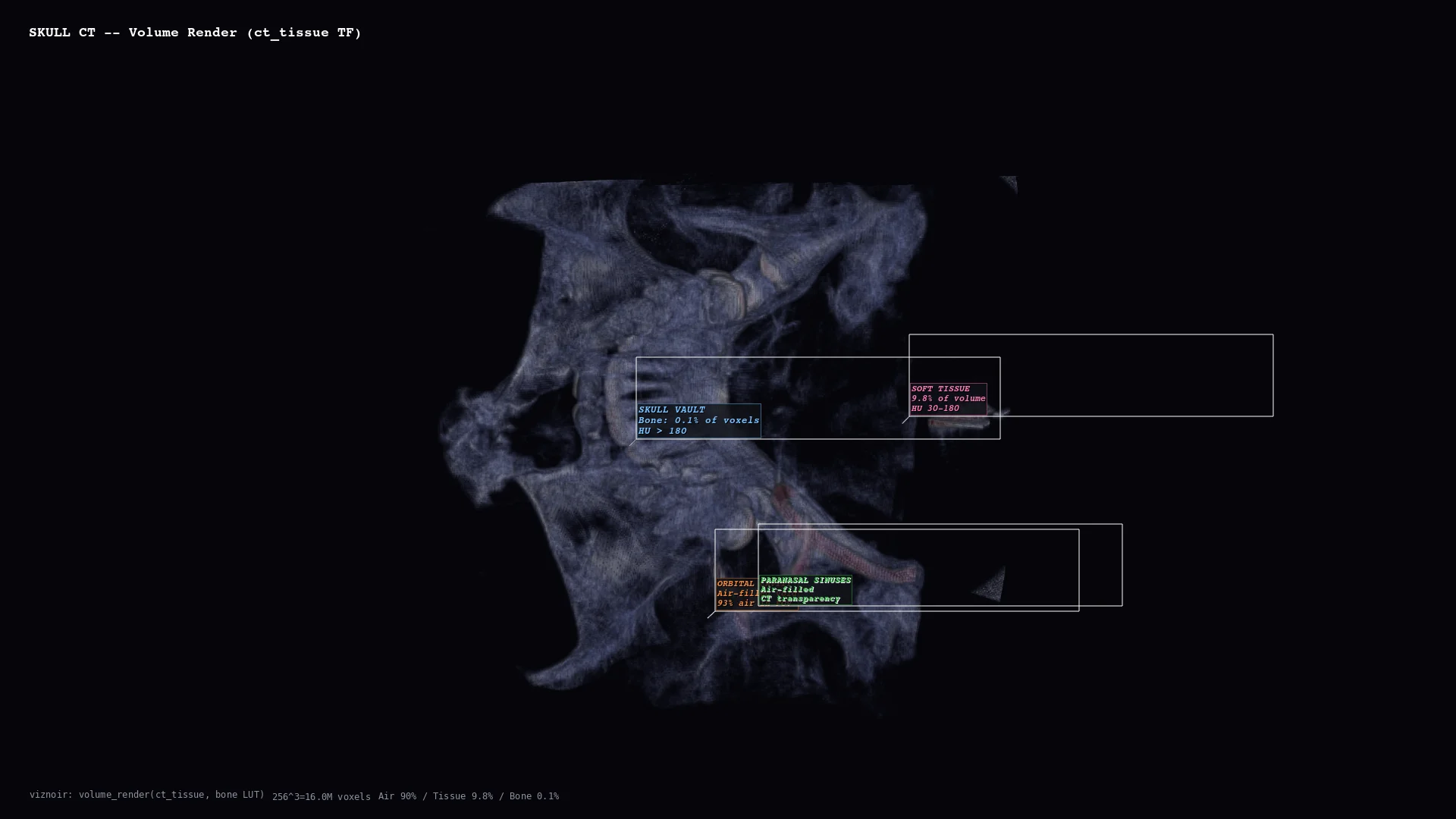 | 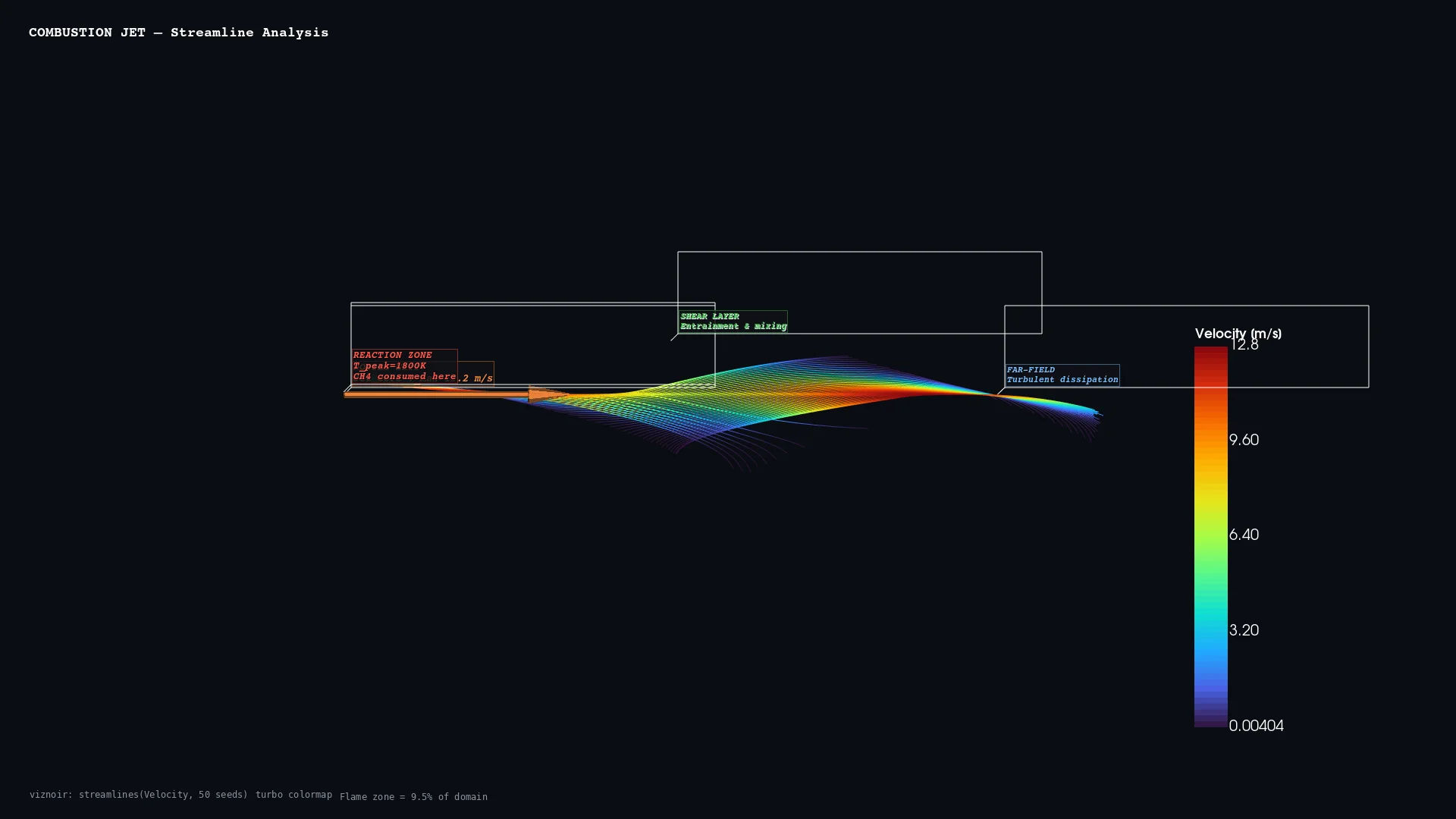 | 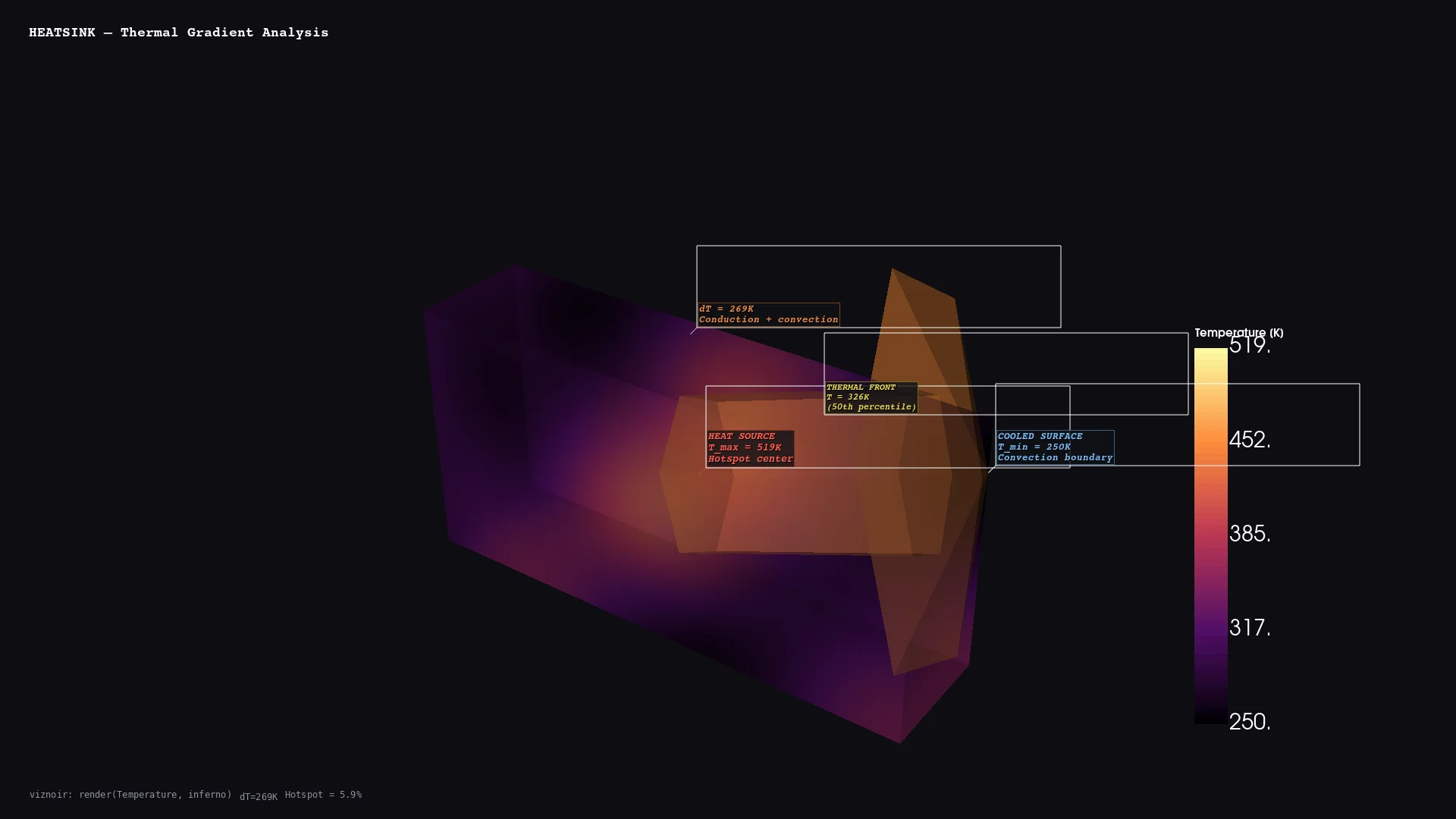 | 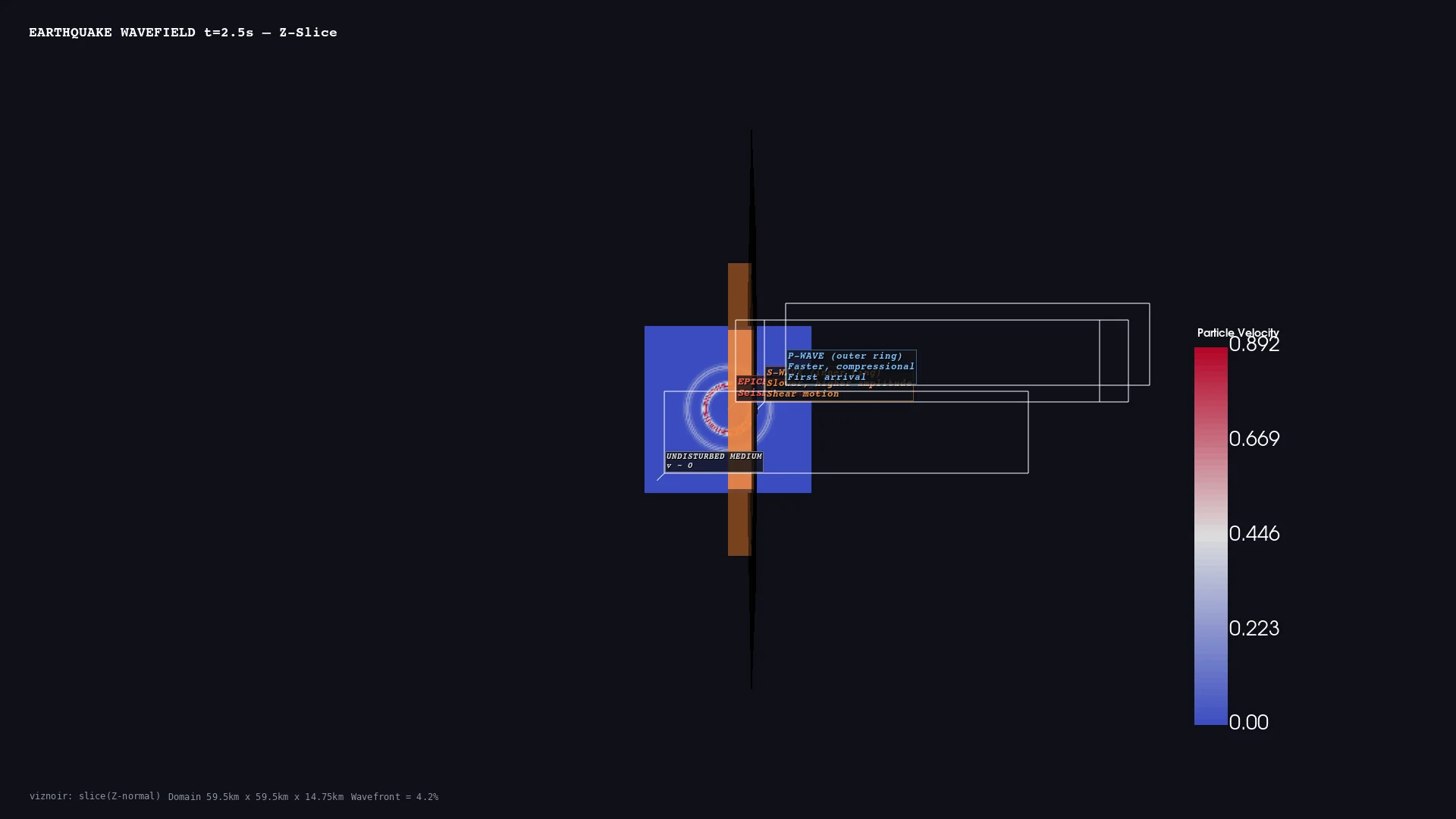 | 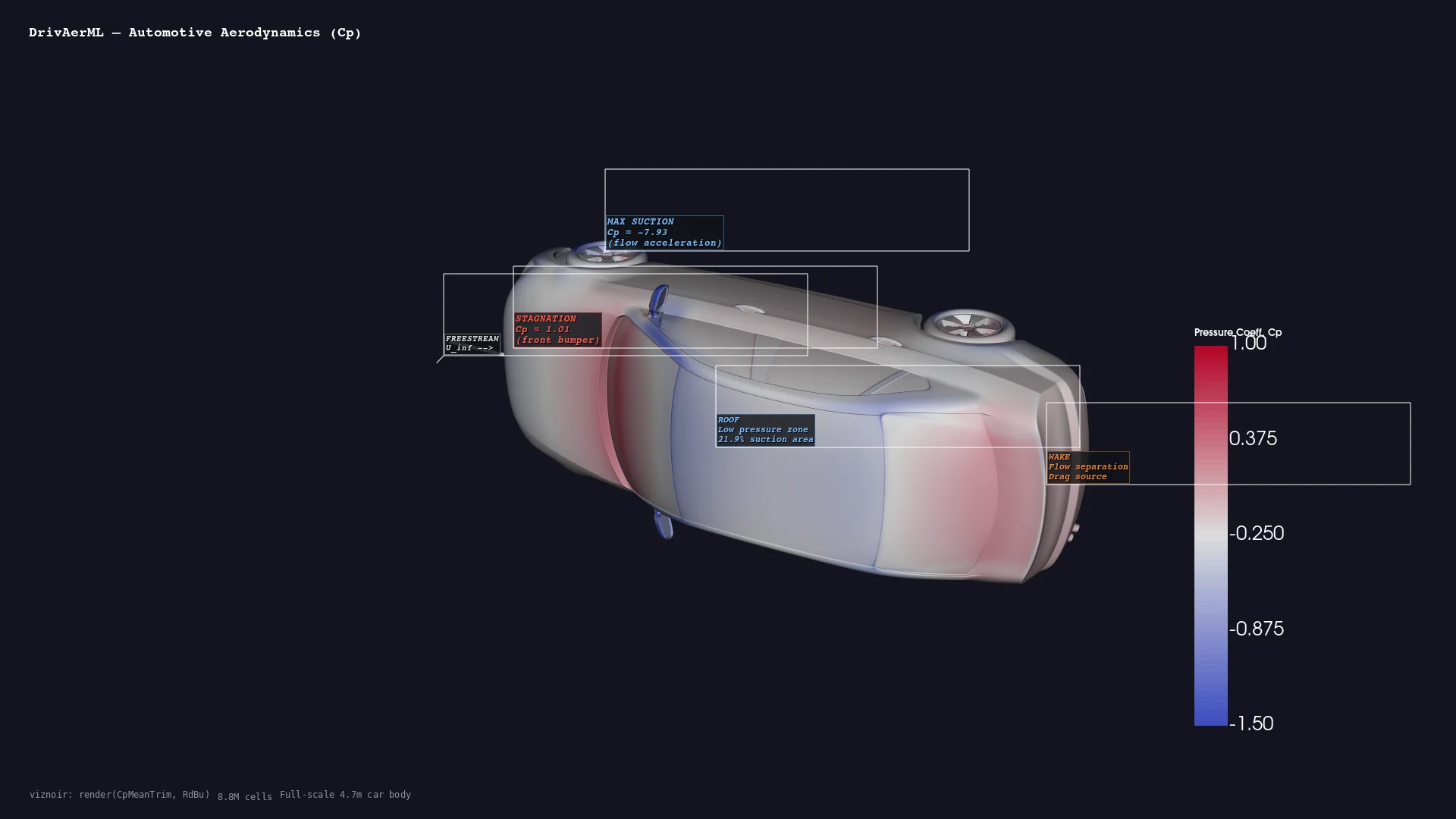 |
| **Medical** <br/> CT skull volume | **CFD** <br/> Combustion streamlines | **Thermal** <br/> Heatsink gradient | **Geoscience** <br/> Seismic wavefield | **Automotive** <br/> DrivAerML · 8.8M cells |
| 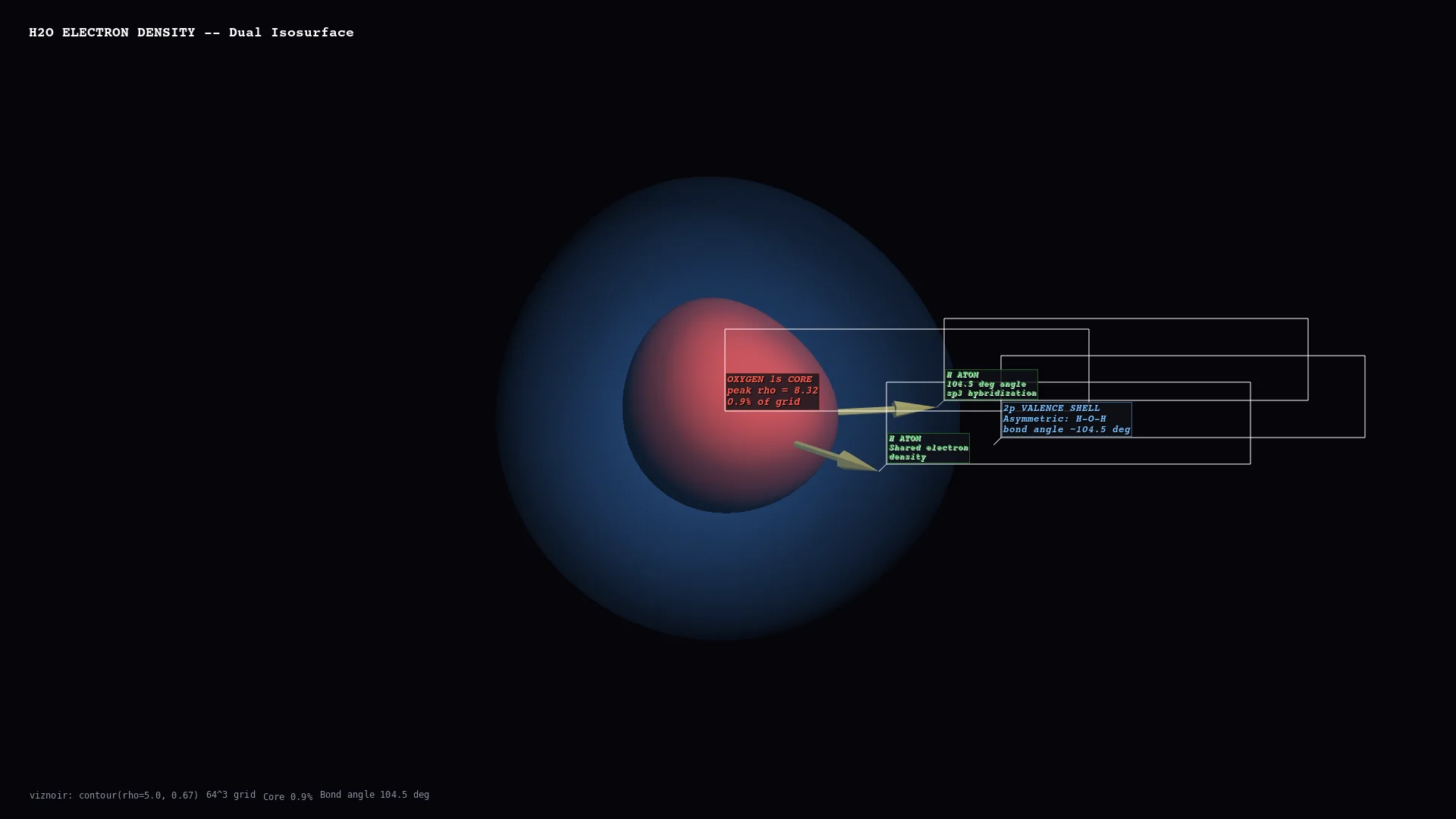 | 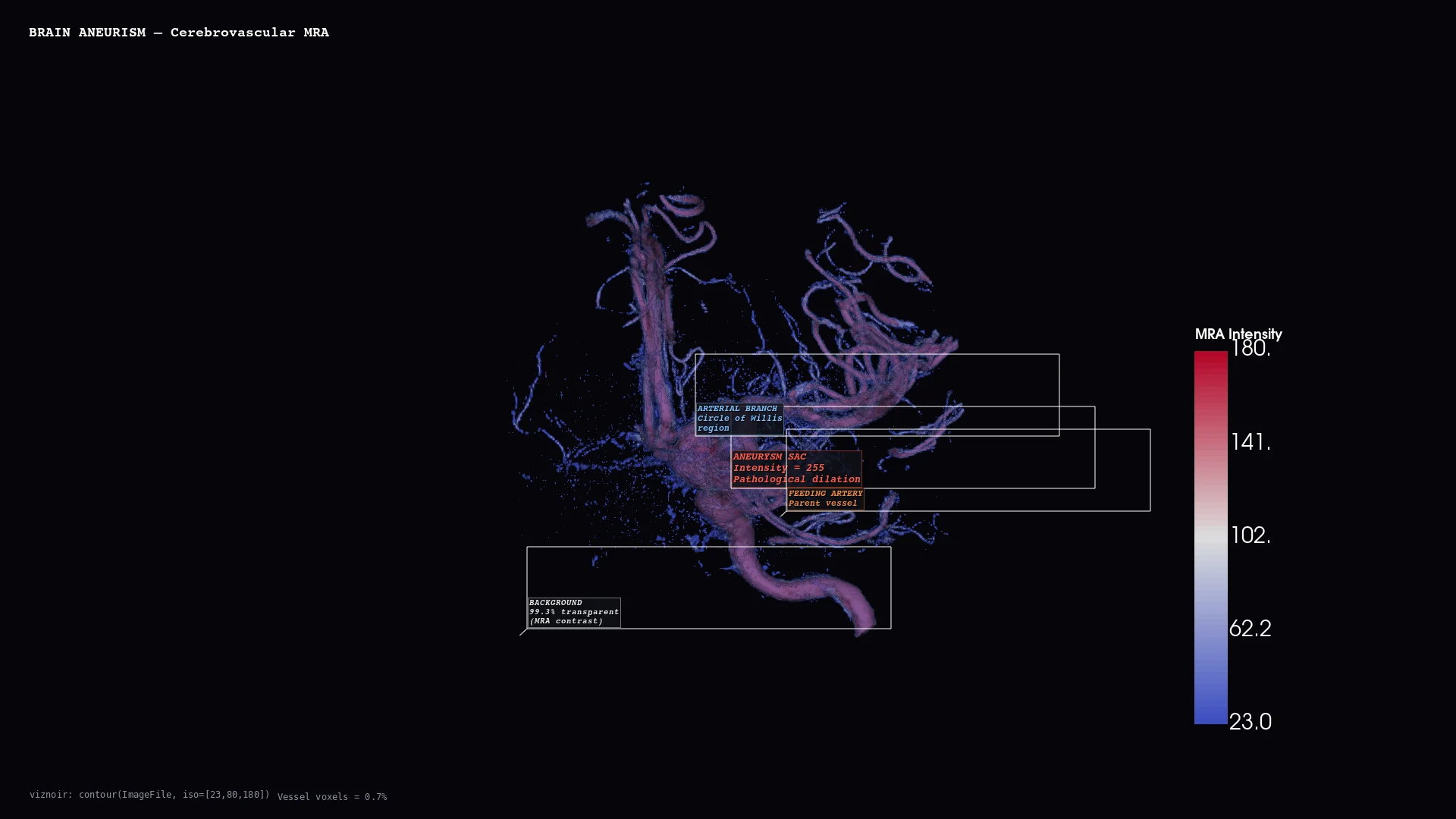 | 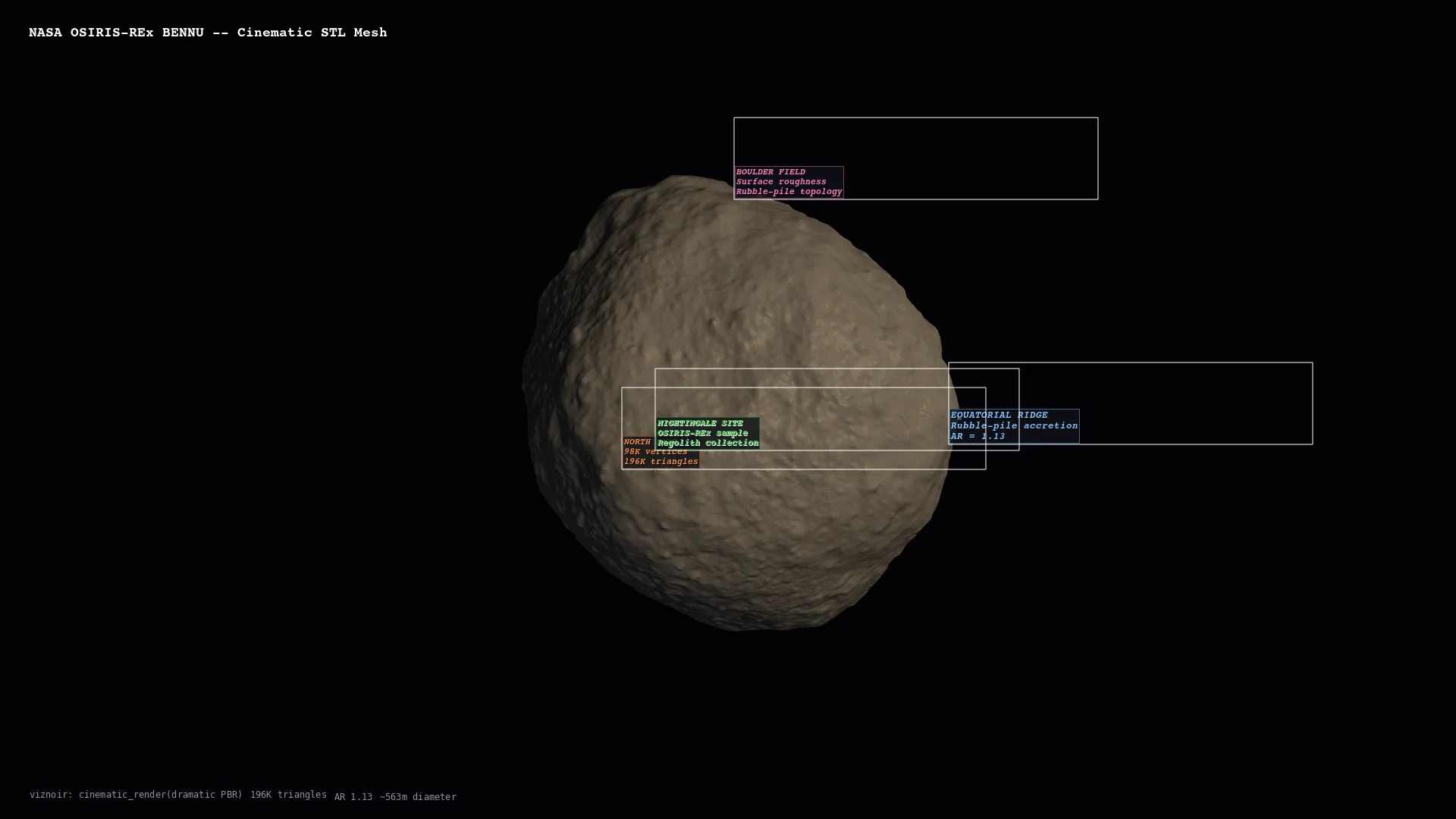 | 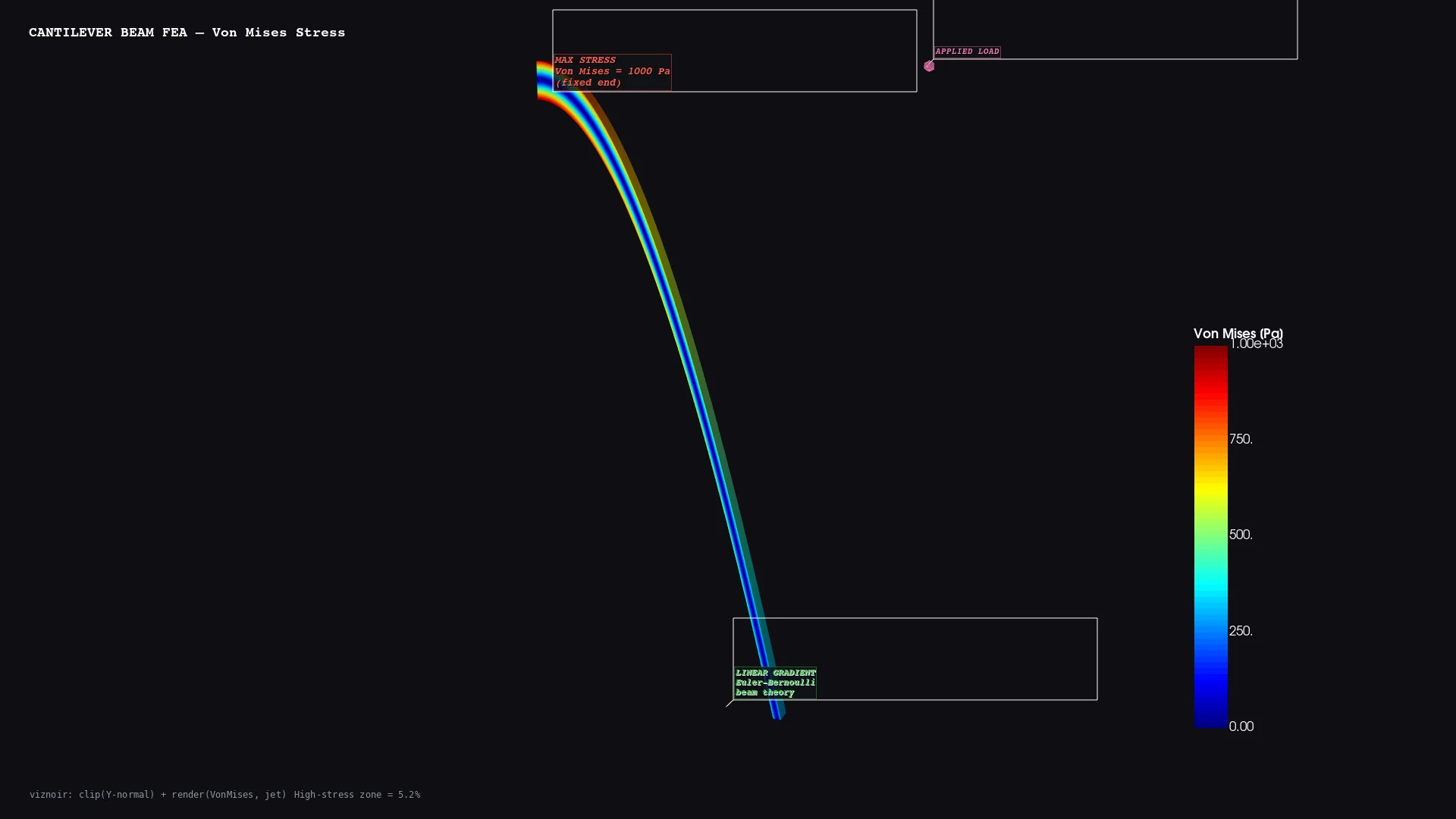 | 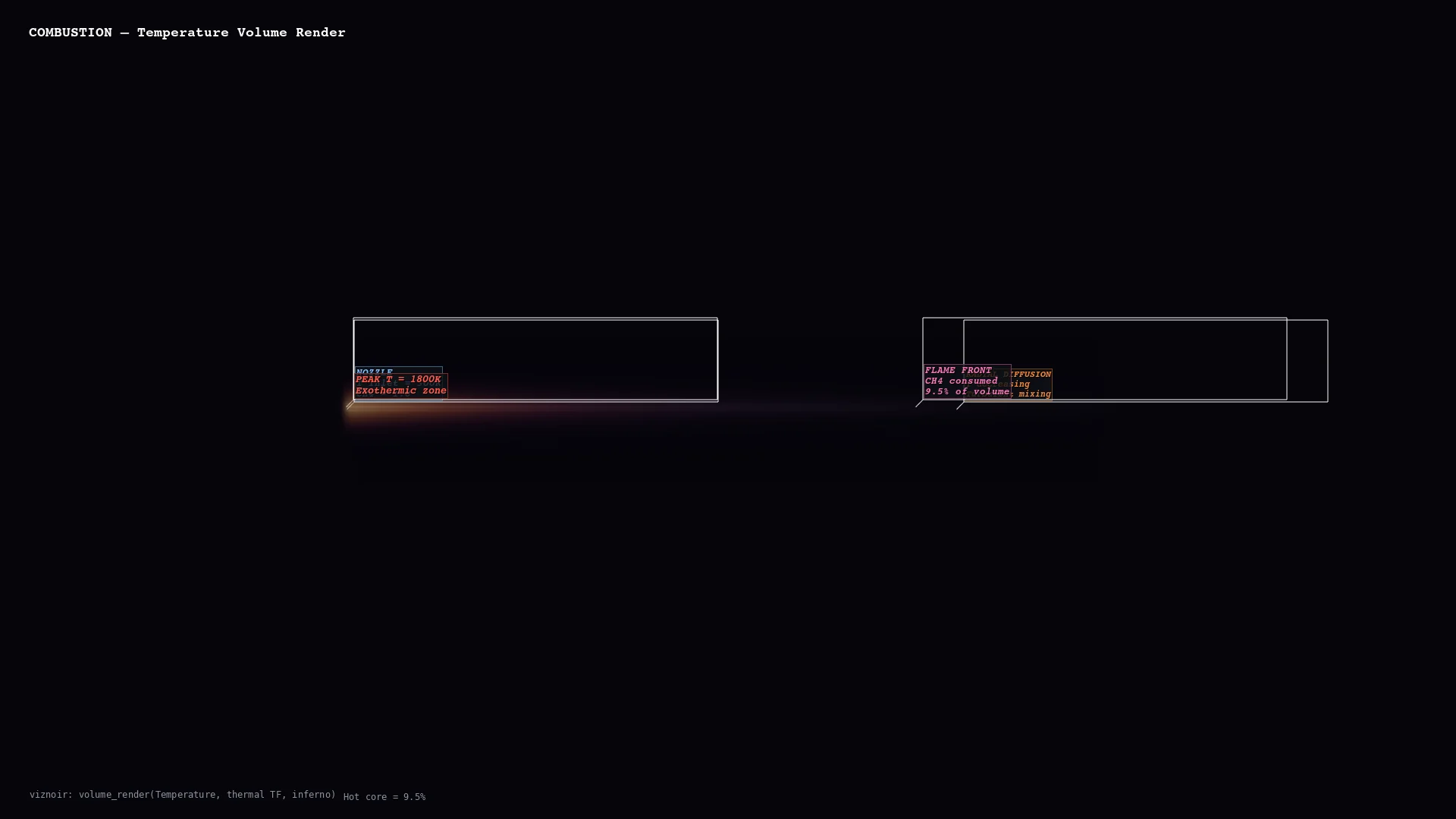 |
| **Molecular** <br/> H₂O electron density | **Vascular** <br/> Cerebral aneurysm MRA | **Planetary** <br/> Bennu · 196K triangles | **Structural** <br/> Cantilever FEA stress | **Volume** <br/> Thermal threshold |
</div>
### Physics-Aware Animations
Seven presets convert raw simulation data into publication-ready motion — each binds a rendering primitive to a physical phenomenon.
| Preset | Physics | Rendering |
|--------|---------|-----------|
| `streamline_growth` | Lagrangian advection | Particle path-line extension over time |
| `clip_sweep` | Pressure gradient cross-section | Moving clip plane |
| `layer_reveal` | CT density classification | Progressive isosurface stacking |
| `iso_sweep` | Orbital topology | Isovalue sweep with camera orbit |
| `warp_oscillation` | Structural mode shape | Warp-by-vector harmonic displacement |
| `light_orbit` | Oblique illumination | Rotating key light for material reveal |
| `threshold_reveal` | Feature hierarchy | Threshold peeling from outside → in |
### Story Composition (`compose_assets`)
<div align="center">

*Inspect → render → annotate → compose → narrate. One prompt produces a 4-panel physics decomposition with LaTeX-rendered governing equations.*
</div>
Layouts: `story` (vertical narrative) · `grid` (N×M comparison) · `slides` (16:9 keynote) · `video` (MP4 with transitions)
**Full interactive gallery:** https://kimimgo.github.io/viznoir/#showcase
## Architecture
```
prompt "Render pressure from cavity.foam"
│
MCP Server 22 tools · 12 resources · 4 prompts
│
VTK Engine readers → filters → renderer → camera
│ EGL/OSMesa headless · cinematic lighting
Physics Layer topology analysis · context parsing
│ vortex detection · stagnation points
Animation 7 physics presets · easing · timeline
│ transitions · compositor · video export
Output PNG · WebP · MP4 · GLTF · LaTeX
```
## Numbers
| | |
|---|---|
| **22** MCP tools | **24** VTK filters |
| **10** domains | **19** native file formats |
| **6/6** VTK data types | **50+** formats via meshio |
## Documentation
**Homepage:** [kimimgo.github.io/viznoir](https://kimimgo.github.io/viznoir/)
**Developer docs:** [kimimgo.github.io/viznoir/docs](https://kimimgo.github.io/viznoir/docs) — full tool reference, domain gallery, architecture guide
## License
MIT