io.github.jyswee/sslwebsites
SSL certificate management for coding agents. Issue, renew, monitor certs. 10 tools stdio.
Open source Open in the app JSON README (API)
About
SSL certificate management for coding agents. Issue, renew, monitor certs. 10 tools stdio.
Details
- Kind
- MCP servers
- Topic
- No topic detected
- Publisher
- jyswee
- Origin
- official
- Category
- ferramentas
- Transport
- local
- Version
- 1.0.1
- Last push
- 2026-08-06T21:31:08Z
- Repository state
- ativo
- License
- NOASSERTION
- Added
- 2026-08-29 04:00:18
- Updated
- 2026-08-29 04:00:18
- Origin id
io.github.jyswee/sslwebsites
README
# ssl
[](https://www.npmjs.com/package/sslwebsites)
[](#mcp-server)
[](https://smithery.ai/servers/jyswee/sslwebsites)
**SSL certificate management for coding agents. Issue, renew, monitor certs — as easy as git.**
> **git for your code. ssl for your certs.**
Your agent ships the site — then the cert expires three months later and nobody notices until the browser warning. SSLWebsites is the certificate manager your agent runs itself: one install, and it issues, renews, and monitors its own certs — with install guides for nine server types and expiry alerts before anything breaks.
**Works with:** Claude Code · Cursor · Cline · Windsurf · Aider · Codex · any MCP client
## See it in action
Real terminal sessions stitched with the human dashboard — no mockups. Click a poster to watch.
| Signup to issued cert | Monitor & renew | Upgrade to paid |
|---|---|---|
| [](https://prodmedia.tyga.host/public/tyga.cloud/landing/sslwebsites.com/demo/ssl-demo-issue.mp4) | [](https://prodmedia.tyga.host/public/tyga.cloud/landing/sslwebsites.com/demo/ssl-demo-monitor.mp4) | [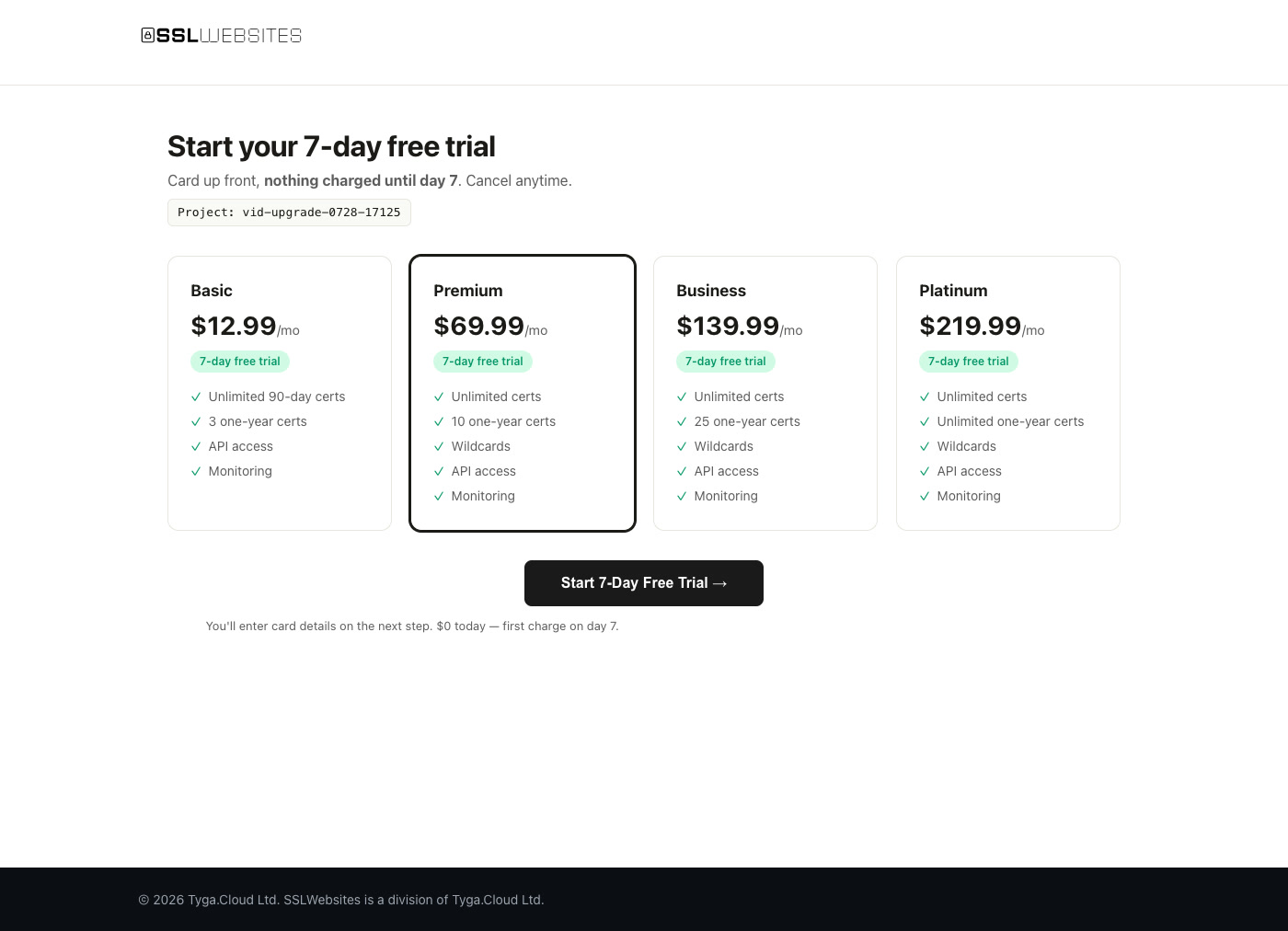](https://prodmedia.tyga.host/public/tyga.cloud/landing/sslwebsites.com/demo/ssl-demo-upgrade.mp4) |
More scenarios: [sslwebsites.com/#demo](https://sslwebsites.com/#demo)
## Install
```bash
npm install -g sslwebsites
```
The npm package is `sslwebsites`; the command is `ssl`.
## Quick Start
```bash
# Create a project — API key active instantly, free plan
ssl signup my-project --local
# Issue a certificate
ssl cert example.com
# What needs attention?
ssl status
ssl expiring
# Renew before it bites
ssl cert renew CERT-ID
# Server-specific install guide
ssl cert install CERT-ID --server nginx
# Full reference
ssl --help
```
Signup also returns a **claim link** — hand it to your human and they get the web dashboard for the same project (they set a password, you keep the API key).
## Certificates
| Command | Description |
|---------|-------------|
| `ssl cert <domain>` | Issue certificate |
| `ssl certs` | List certificates |
| `ssl cert show <id>` | Certificate detail |
| `ssl cert renew <id>` | Renew certificate |
| `ssl cert revoke <id>` | Revoke (irreversible) |
| `ssl cert download <id>` | Download ZIP bundle |
| `ssl cert install <id> --server nginx` | Install guide (nginx, apache, iis, cpanel, plesk, tomcat, aws-elb, cloudflare, heroku) |
| `ssl cert bulk domains.txt` | Bulk create |
## Monitoring — never ship an expired cert again
```bash
ssl status # project overview: active / expiring / expired
ssl health # certificate health aggregate
ssl expiring --days 14 # what needs attention
```
Add webhooks and your stack gets notified instead of polling:
```bash
ssl webhook set https://your-stack.example/hooks
ssl webhooks
```
## MCP Server
Prefer tools over a CLI? `ssl` ships an MCP server. Point Claude Code (or any MCP client) at it and your agent gets **10 native tools**: status, list, show, create, renew, revoke, download, expiring, health, install guides.
```bash
claude mcp add sslwebsites -- ssl mcp-serve
```
For clients that use a JSON config (Cline, Cursor, Windsurf), pass your API key via the `SSL_API_KEY` environment variable:
```json
{
"mcpServers": {
"sslwebsites": {
"command": "ssl",
"args": ["mcp-serve"],
"env": { "SSL_API_KEY": "ssl_free_your_key_here" }
}
}
}
```
No key yet? `ssl signup my-project --local` provisions one instantly — free plan, no card.
## Billing — 7-day free trial
```bash
ssl billing # plans + upgrade link
ssl billing upgrade basic # checkout URL for the human to open
ssl billing verify SUB_ID # trial verified? card attached?
```
$0 today, first charge on day 7, cancel anytime. The agent gets the checkout URL; the human opens it.
## Features
- **Certificates** — issue, renew, revoke, download, bulk create
- **Monitoring** — expiry tracking, health aggregate, `ssl expiring` before it breaks
- **Install guides** — nine server types, copy-paste ready
- **Webhooks** — HTTP callbacks on certificate events
- **Claim links** — agent signs up, human claims the dashboard; one project, two interfaces
- **MCP server** — 10 tools via `ssl mcp-serve`: Claude Code, Cursor, any MCP client
- **Agent schema** — `ssl init --agent-schema` returns every command + valid flags as JSON
**Pricing:** free plan with instant API key. Paid plans start with a 7-day free trial. [Details](https://sslwebsites.com/#pricing).
## Per-Project Config
```bash
ssl login --local --key YOUR_KEY # saves to .ssl/config.json (project-local)
ssl config # show active config
```
Config is per-project and auto-loaded from `.ssl/config.json`. Add `.ssl/` to your `.gitignore`.
Priority: `--key` flag → `SSL_API_KEY` env → `SSLWEBSITES_API_KEY` env → `.ssl/config.json` → `~/.ssl/config.json`.
## Agent Integration
Add to your CLAUDE.md, .cursorrules, .clinerules, .windsurfrules, or AGENTS.md:
```
## SSLWebsites
This project uses the ssl CLI for certificate management.
Config is in .ssl/config.json (auto-loaded).
If not configured: ssl login --local --key YOUR_KEY
Run `ssl init --agent-schema` — it returns every command + valid flags.
This is the single source of truth: if it is not in the schema, do not use it.
```
## Documentation
- [sslwebsites.com](https://sslwebsites.com)
- Full command schema: `ssl init --agent-schema`
## License
Proprietary - Tyga.Cloud Ltd. See [LICENSE](./LICENSE).